Sun Microsystems has a powerful and favorably priced entry in the x86 workstation space with the Ultra 27. Such is the power of this workstation and its natural fit for *nix workloads, combined with a compelling price tag, I pronounce it the Ultimate Linux Workstation in its class. He's a short overview and review as well as a video entry at the end.
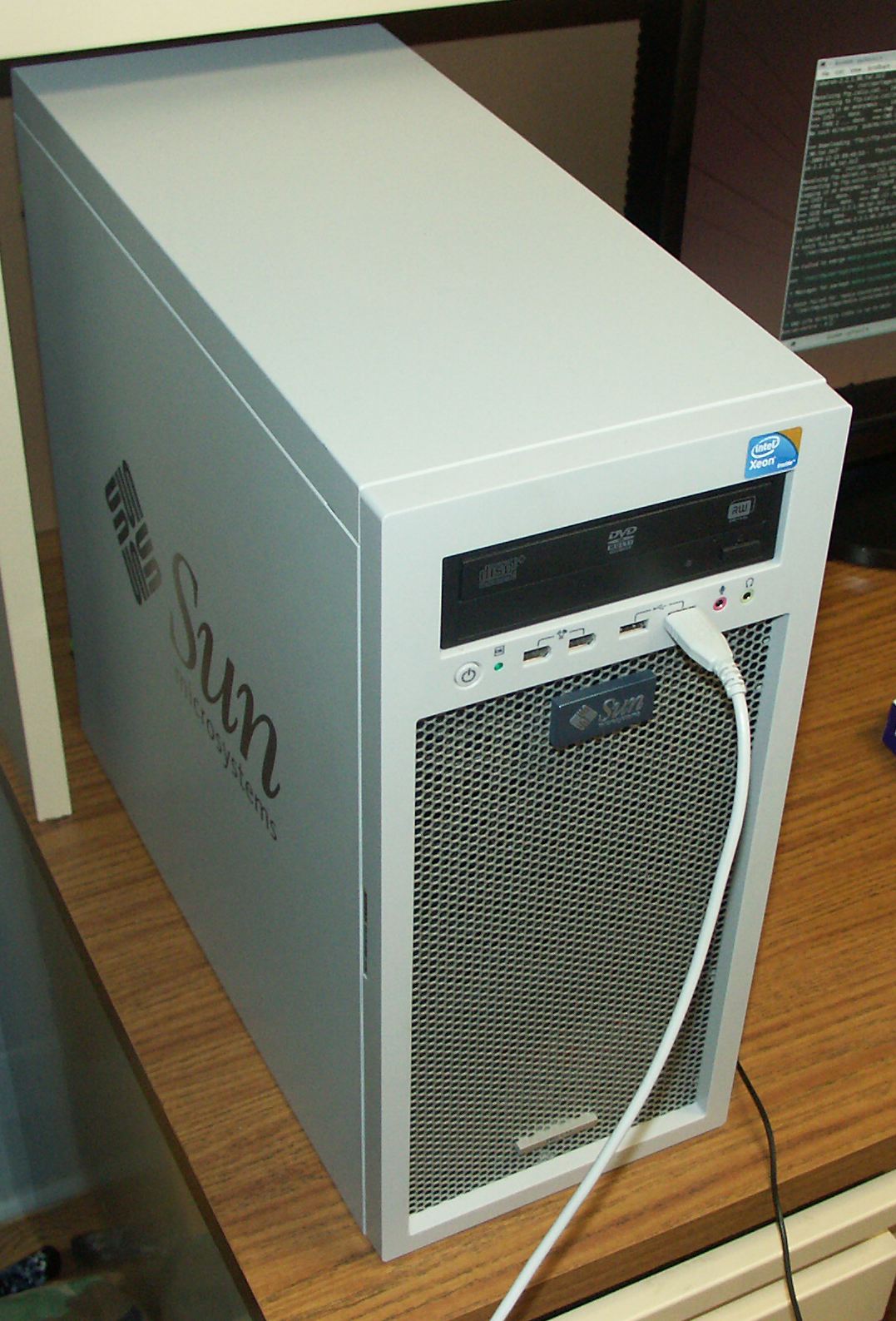
The Ultra 27 is a single socket system but packs a powerful quad core punch. With the Nehalem Xeon (similar to the consumer Core i7), markets that used to demand dual socket systems can now comfortably look to cheaper single socket alternatives. With the return of HyperThreading, the chip handles 8 hardware threads and unlike its previous guise in the Pentium 4, HT contributes noticeably and favorably to performance. Due to the extreme performance and number of execution threads, I think the Nehalem Xeon represents a paradigm shift where most high end systems will no longer carry two discrete CPUs.
The Ultra 27 competes in the same league as the Lenovo ThinkStation S20, HP Z400, Mac Pro Quad and various other boutique workstation manufacturers. Through channel vendors, all but the Mac can be comfortably configured for around $2000.
The price of this system is attractive and affordable to anybody who makes their livelihood off of professional computing. The components on a workstation like this are well engineered and thoroughly tested together. 3rd party vendors will also commonly certify software and hardware against popular workstation offerings. The Ultra 27 is comfortably expandable and can be equipped with Intel's best CPUs on the market, plenty of disk, and high end graphics. With two PCIe2 16-lane slots and ample cooling and power, the Ultra 27 has a lot to offer anyone in digital content creation, CAD, CAM, CAE or other visualization activities. With the speedy Nehalem chip and 4 disk bays programmers doing large builds or staging large applications should be more than content.
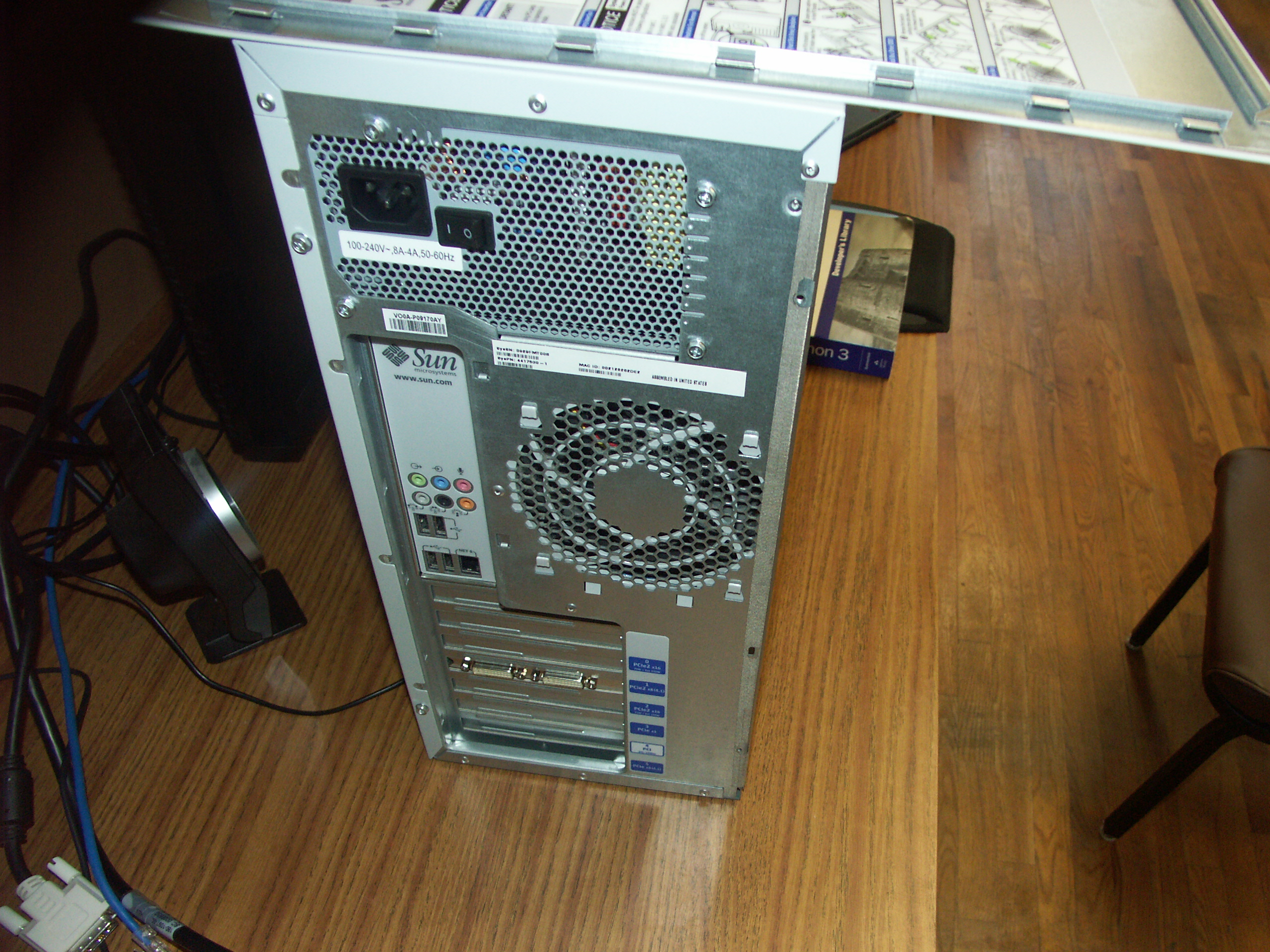
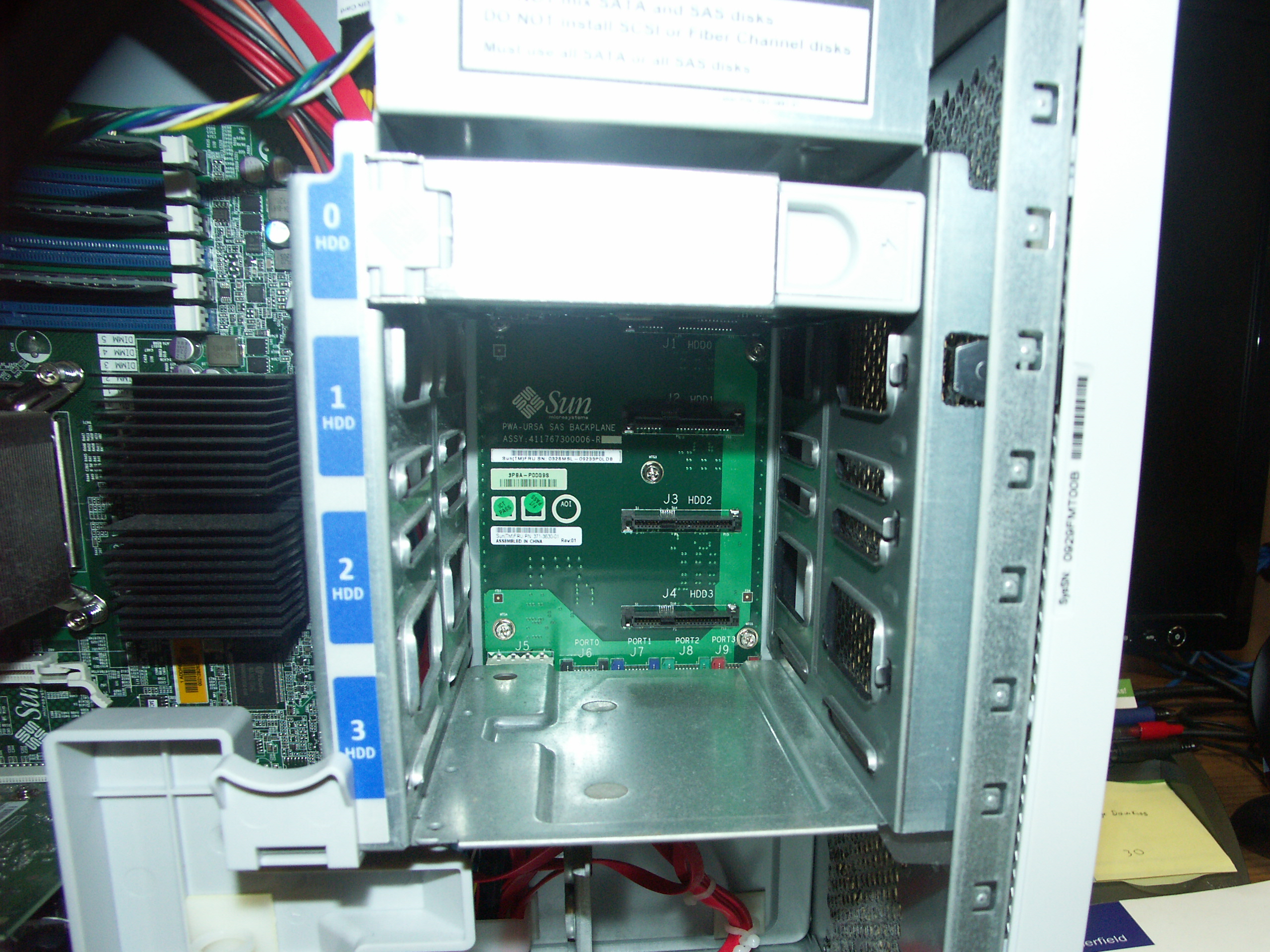
The Ultra 27 comes in a robust light gray case. The Spartan design is free of all the unsightly plastic that usually adorns HP machines and looks more substantial than either the Lenovo or HP competition. The interior isn't quite as beautiful as the Mac Pro's, but there is plenty of room and the internal drive bay keeps any need for user cable management to a minimum.
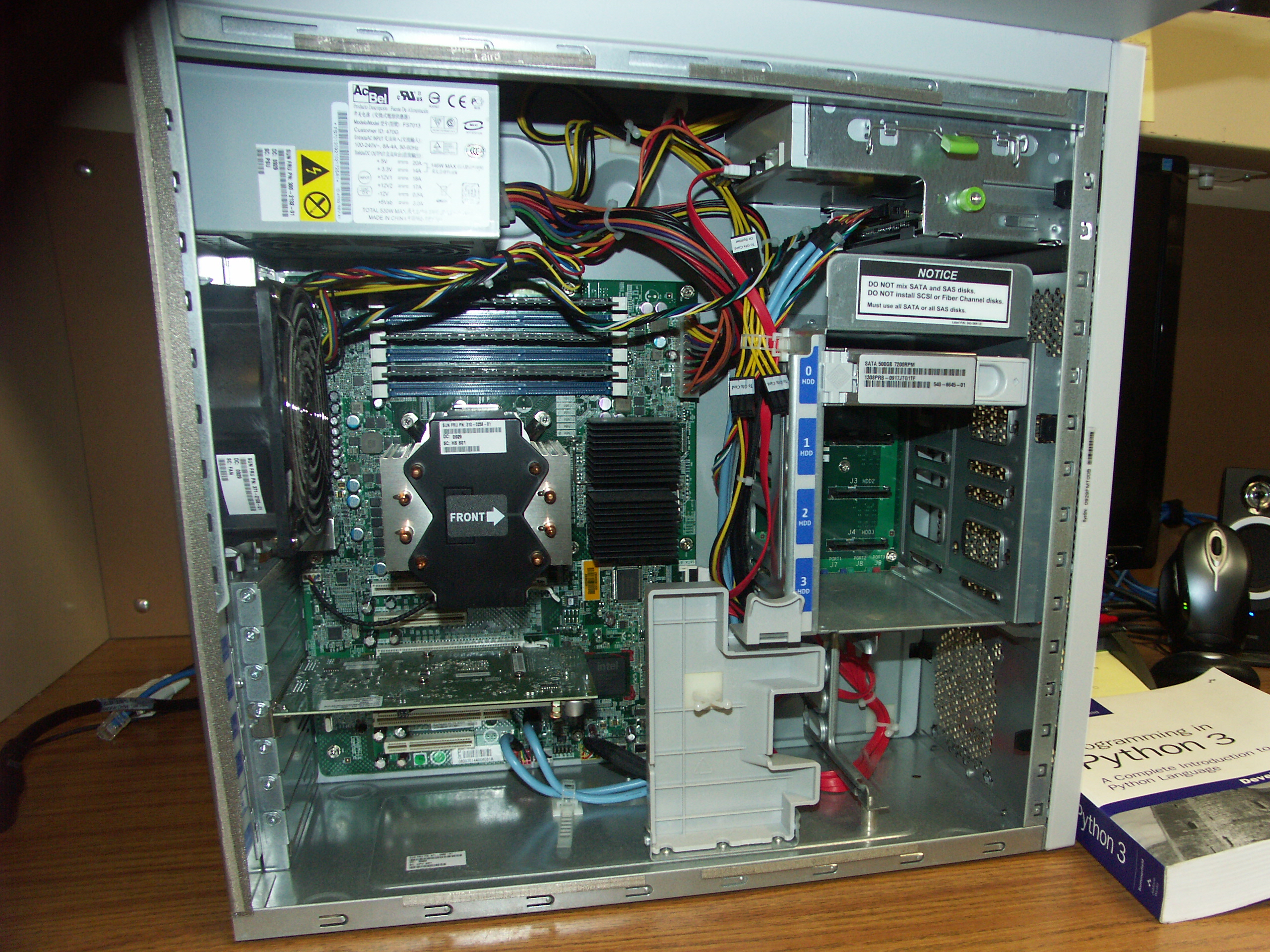
My configuration is as follows:
- Intel Xeon w3570 Quad Core at 3.20GHz (has intel Turbo Boost to 3.46GHz)
- 6GB RAM ECC DDR3-1333
- nVIDIA Quadro FX 380 graphics
- 500GB 7200 RPM SATA hard disk
I am upgrading from a previous IBM IntelliStation A Pro which had two physical single core AMD Opteron CPUs. The increase in performance is remarkable.
It is noteworthy that this system is much quieter than my previous. Indeed, the large fan is seldom audible even under heavy load. The heat output is negligible and the components have never been more than warm to the touch even after hours of maximal CPU usage.
 [/caption]
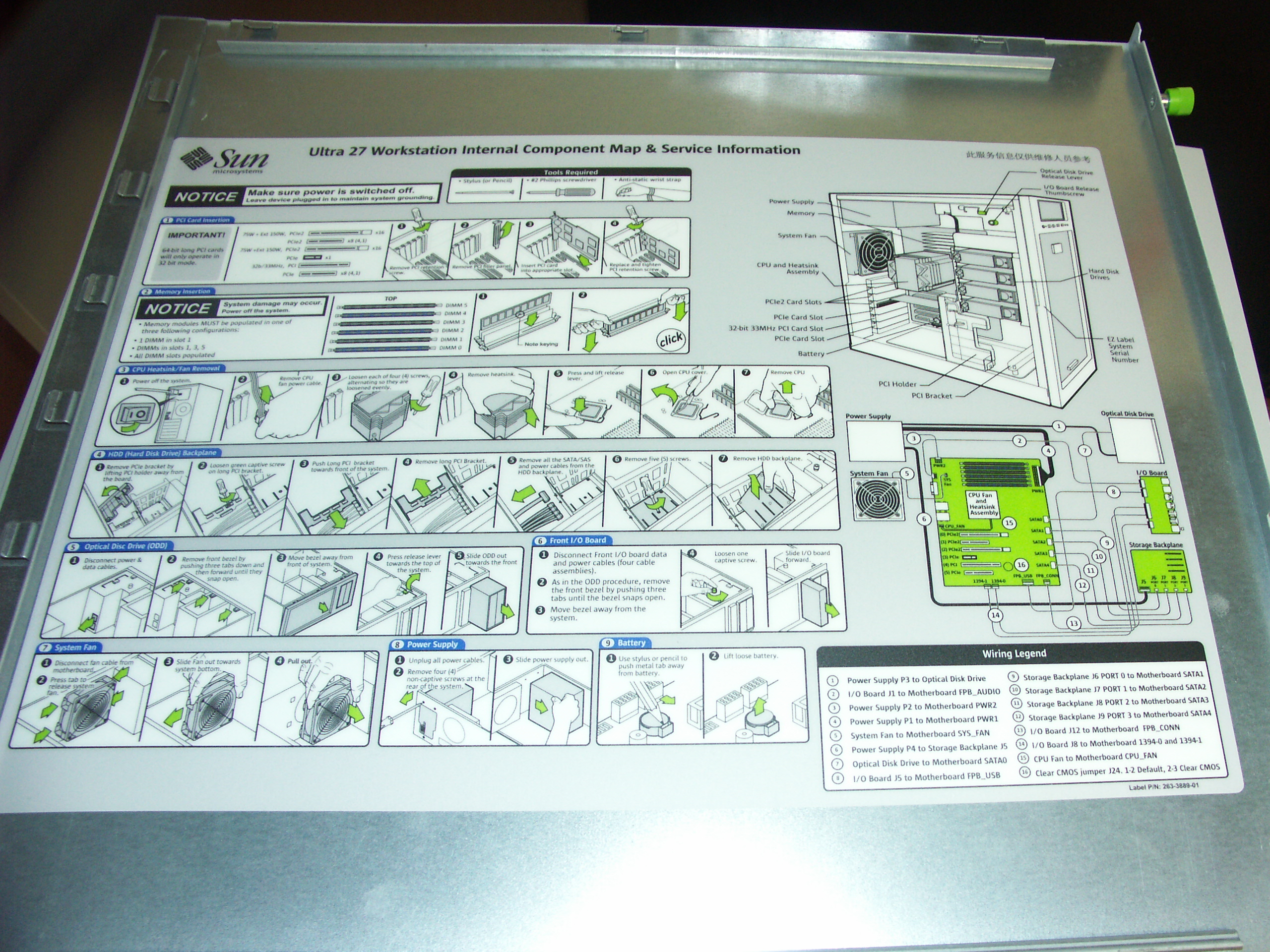
The case is for the most part toolless and very clean and spacious inside. Every aspect of the system can be easily upgraded so the Ultra 27 should be a good investment and grow with time and requirements.
With well engineered hardware and plenty of power, the Ultra 27 is awesome as a general UNIX-class workstation. I am happily running Gentoo and even the largest builds are a cakewalk for this box. I push my computer harder than most people. Commonly running several browser instances loaded with tabs, several terminals, email, music, the Eclipse IDE, and more, interactivity has not diminished even when running parallel compiles.
I'll conclude that anyone looking at the Mac Pro should consider the alternative in machines like the Sun Ultra 27. This computer represents a latest in a powerful linage of Sun workstations and is ideal for just about any demanding workload you can throw at it.
Comments
comments powered by Disqus